WordCloud Update: Text Templates Are Here
Meet the new Text Template
We added a Text entry under the Template panel so you can lay out sentences directly as a word cloud—no image prep needed, just type and render.
3-step path (works identically on both sites)
- Click "Template" → choose "Text"
- Type the words you want to shape
- Click "Render" to generate instantly
Tweak the details
- Size: adjust font size to fit the canvas.
- Position: drag or set coordinates to focus the layout.
- Orientation: switch between horizontal, vertical, or custom rotation.
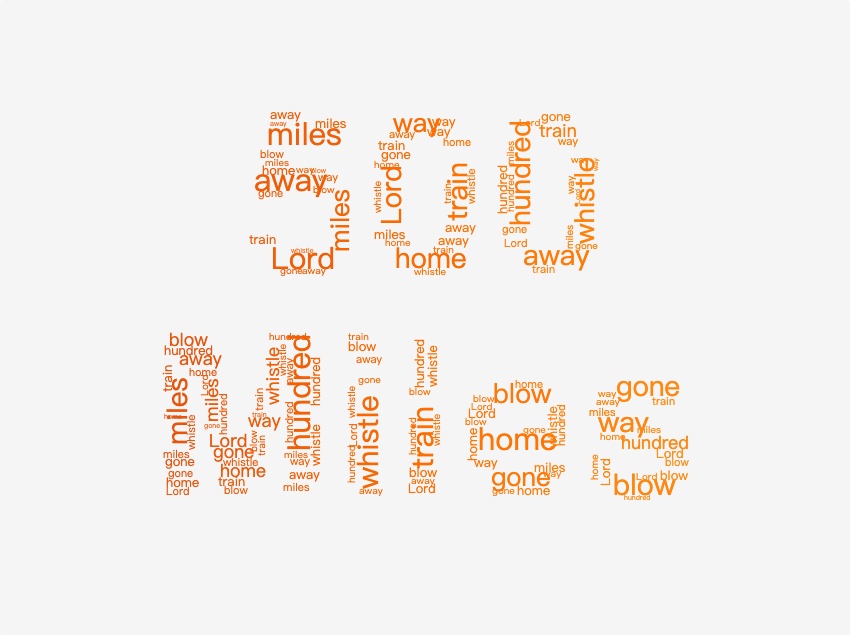
Example: final_word_cloud_en.jpg (actual text template result)
Open the Template panel now—Template → Text → Input words → Render—and give your word clouds more control in minutes.